Qdrant
Prerequisites
A locally running instance of Qdrant or a Qdrant cloud instance.
To get a Qdrant cloud instance:
- Head to the Clusters section of the Cloud Dashboard.
- Select Clusters and then click + Create.
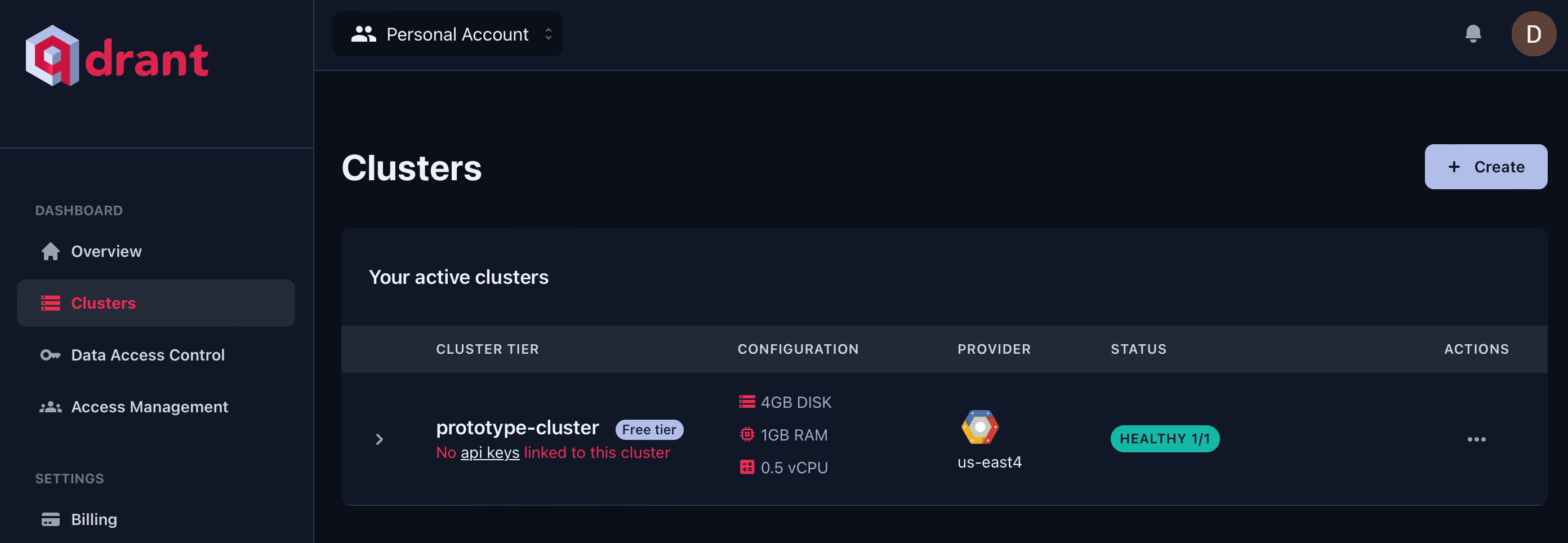
- Choose your cluster configurations and region.
- Hit Create to provision your cluster.
Setup
- Get/Create your API Key from the Data Access Control section of the Cloud Dashboard.
- Add a new Qdrant node on canvas.
- Create new Qdrant credential using the API Key
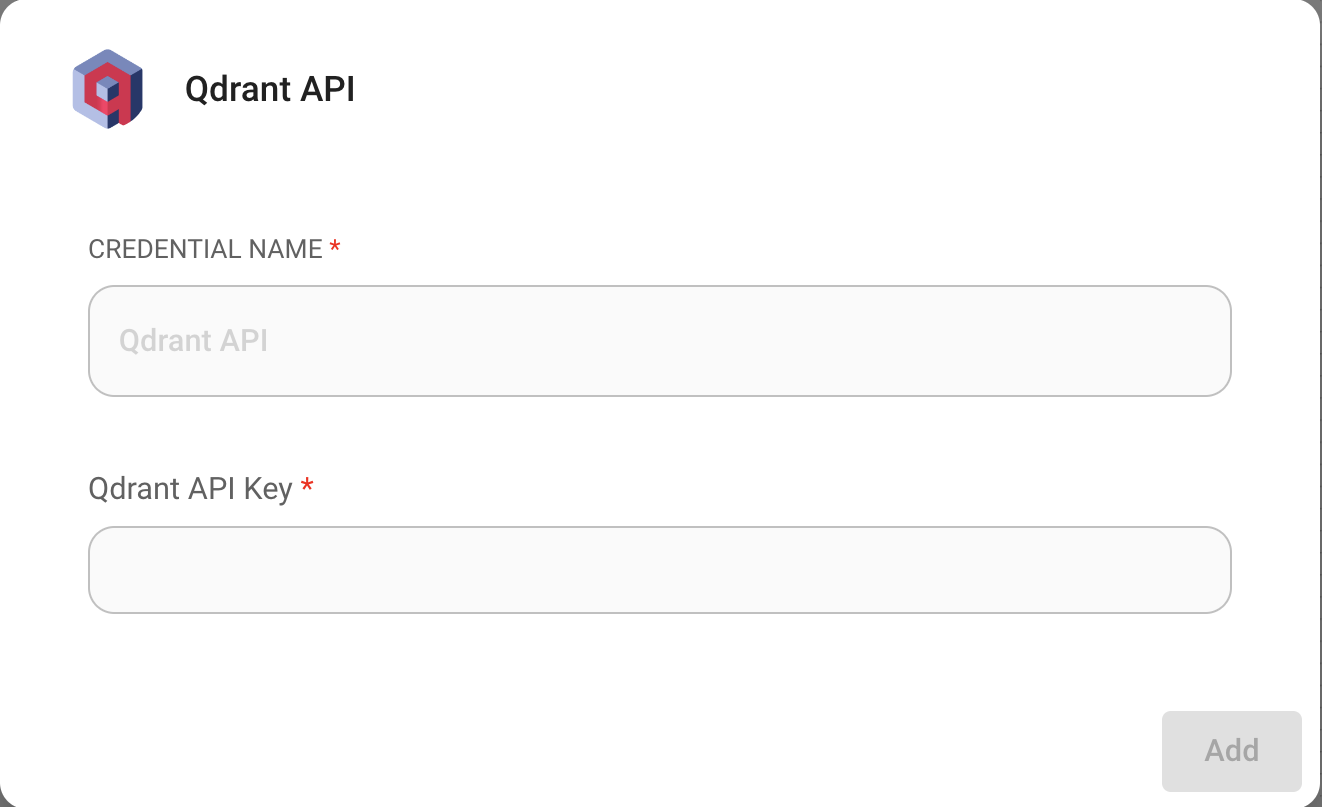
- Enter the required info into the Qdrant node:
- Qdrant server URL
- Collection name
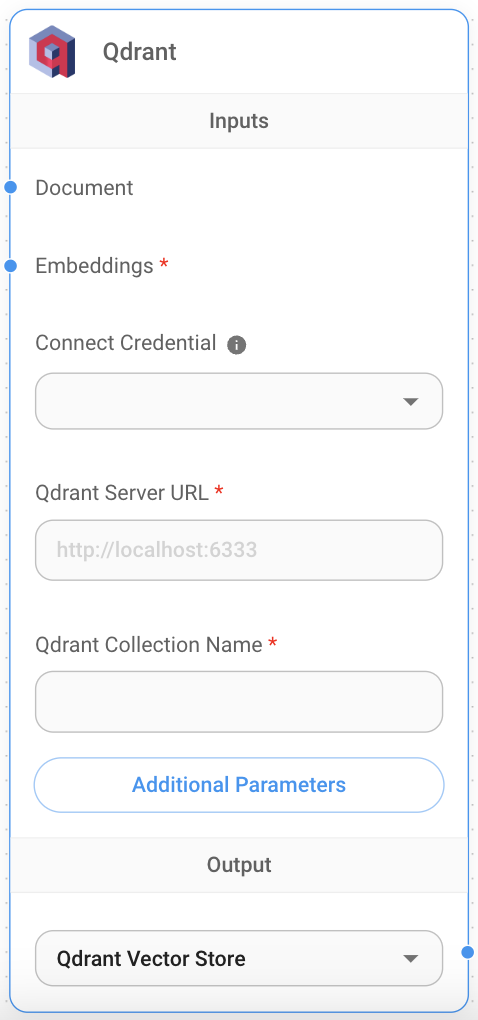
- Document input can be connected with any node under Document Loader category.
- Embeddings input can be connected with any node under Embeddings category.
Filtering
Let's say you have different documents upserted, each specified with a unique value under the metadata key {source}
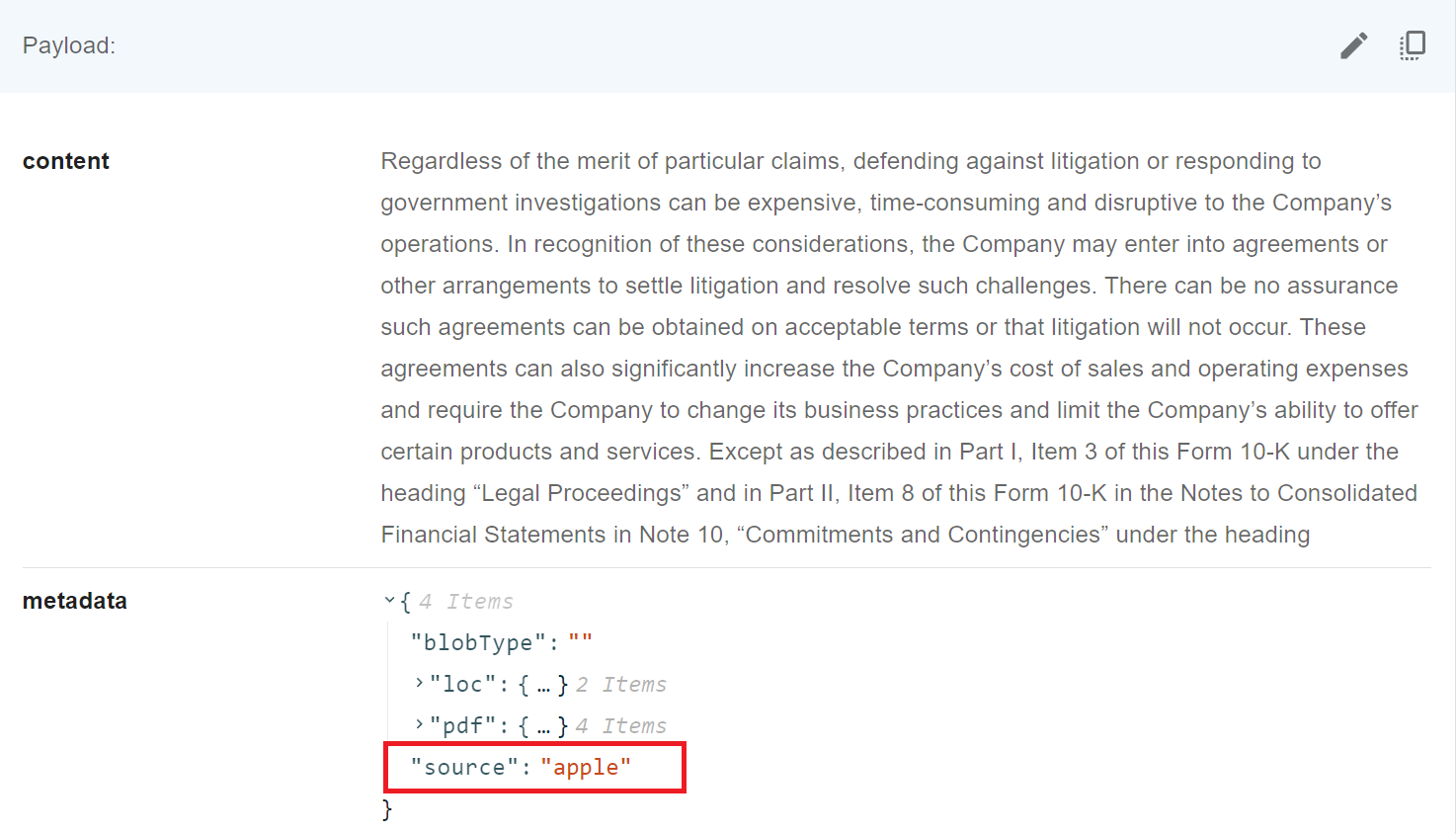
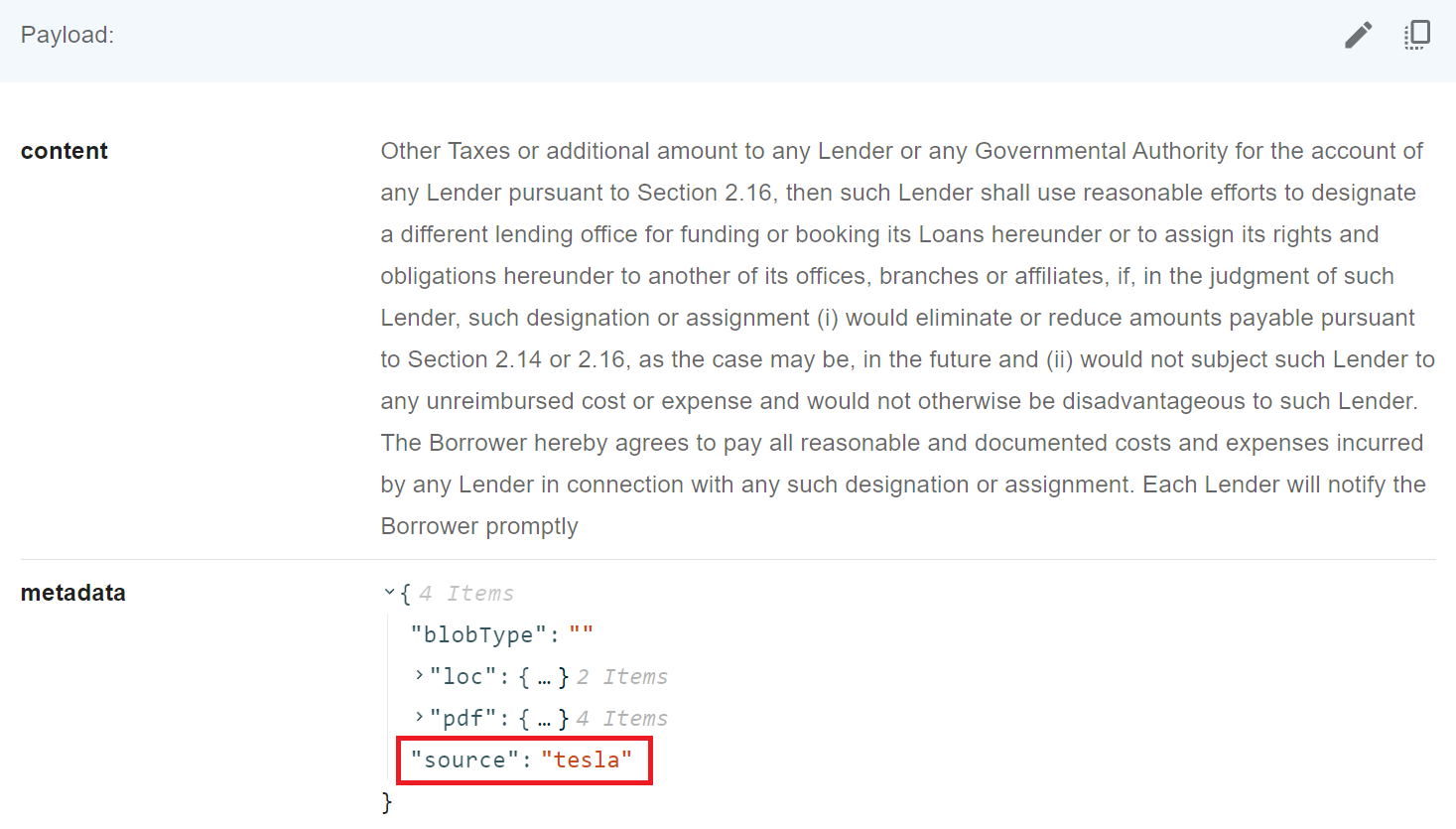
Then, you want to filter by it. Qdrant supports following syntax when it comes to filtering:
UI
 (1) (1) (1) (1) (1) (1) (2) (1) (1) (1)-b3d41c0147420d1ee33df5dd6c59d91c.png)
API
"overrideConfig": {
    "qdrantFilter": {
        "should": [
            {
                "key": "metadata.source",
                "match": {
                    "value": "apple"
                }
            }
        ]
    }
}