SearXNG
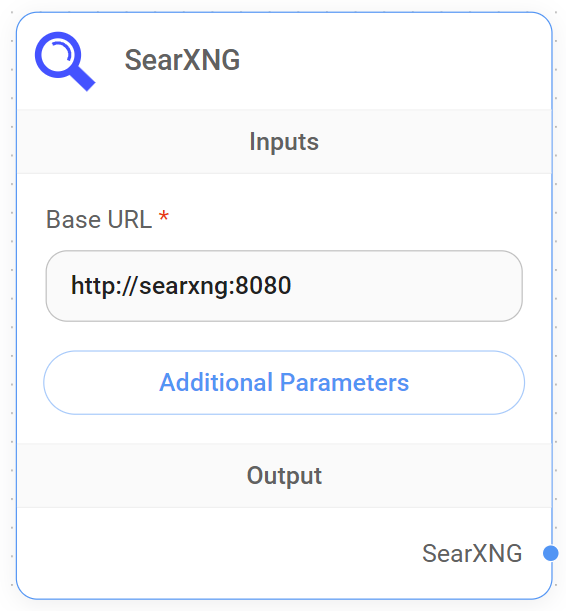
SearXNG Node
Setup SearXNG
Follow official documentation for setting up SearXNG locally. In this case, we will be using Docker Compose to set it up.
Navigate to searxng-docker repository and follow the setup instructions.
Make sure that you have server.limiter set to false and json is included in search.formats. These parameters can be defined in searxng/settings.yml :
server:
  limiter: false
general:
  debug: true
search:
  formats:
    - html
    - json
docker-compose up -d to start the container. Open web browser and go to http://localhost:8080/search, you will be able to see SearXNG page.
Using in CiniterFlow
Drag and drop SearXNG node onto canvas. Fill in the Base URL as http://localhost:8080. You can also specify other search parameters if needed. LLM will automatically figure out what to use for the search query question.
-fc74b60fdb1868ce7091bac83812a952.png)