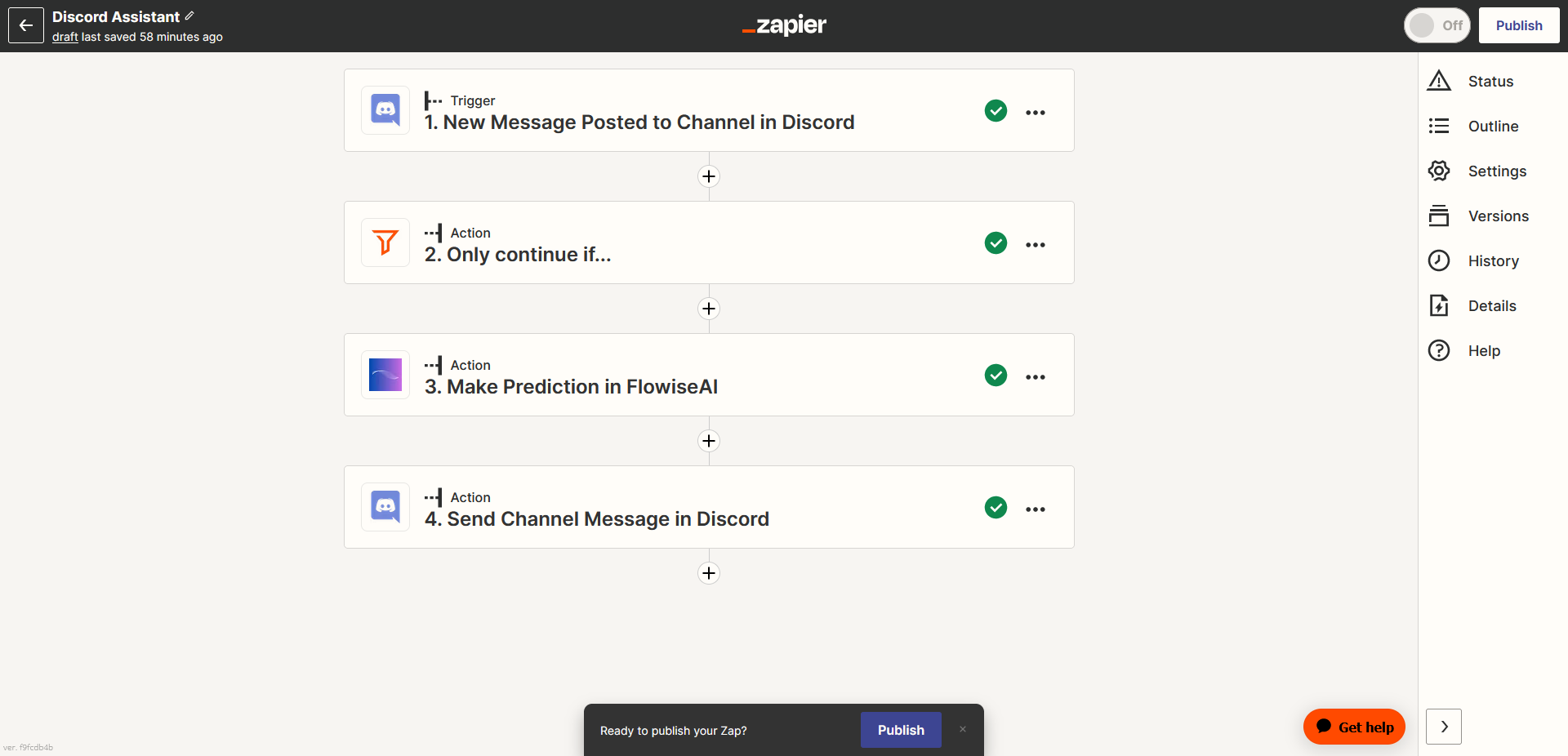
Zapier Zaps
Prerequisite
- Log in or sign up to Zapier
- Create a cloud hosted version of CiniterFlow. You can deploy it on various cloud platforms - please contact our support team for deployment assistance.
Setup
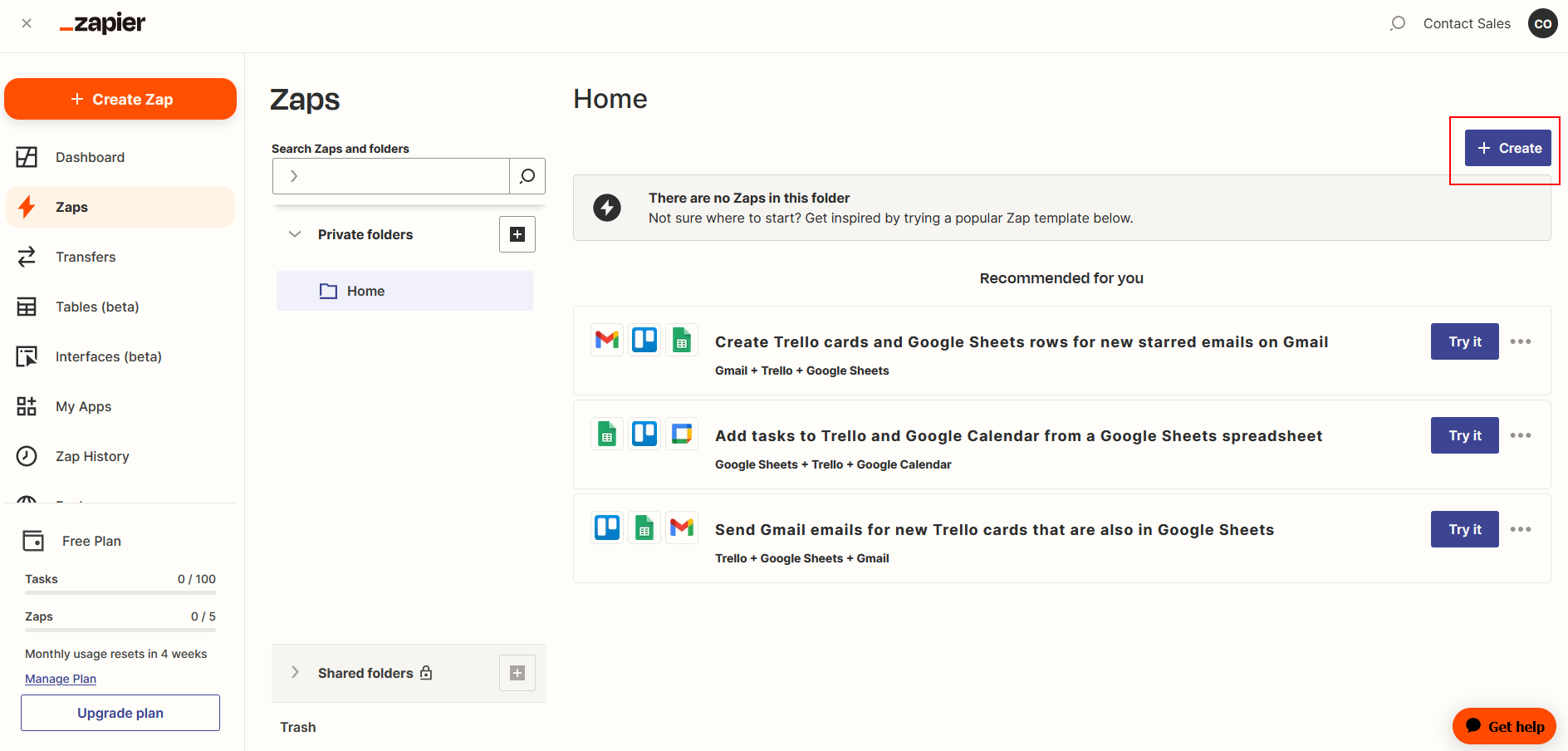
- Go to Zapier Zaps
- Click Create
Receive Trigger Message
-
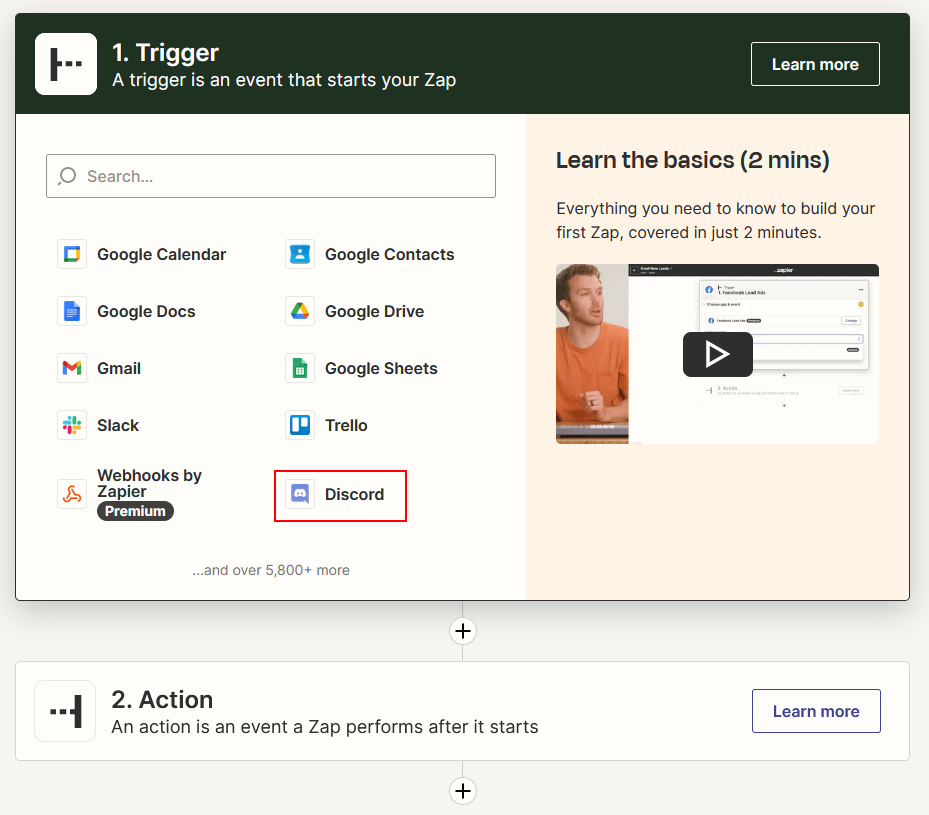
Click or Search for Discord
-
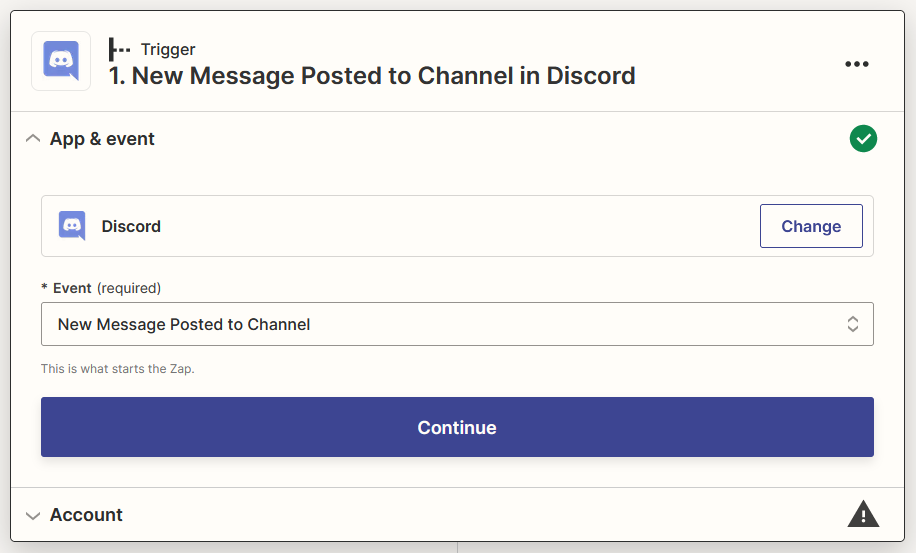
Select New Message Posted to Channel as Event then click Continue
-
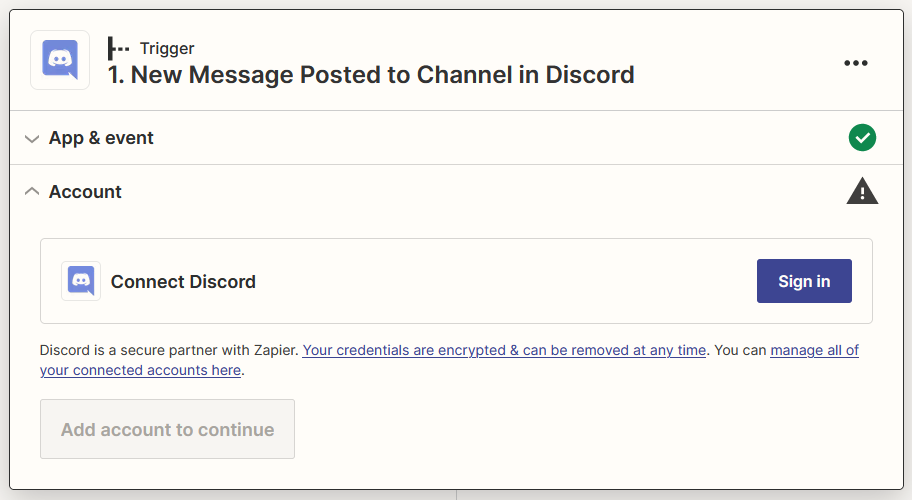
Sign in your Discord account
-
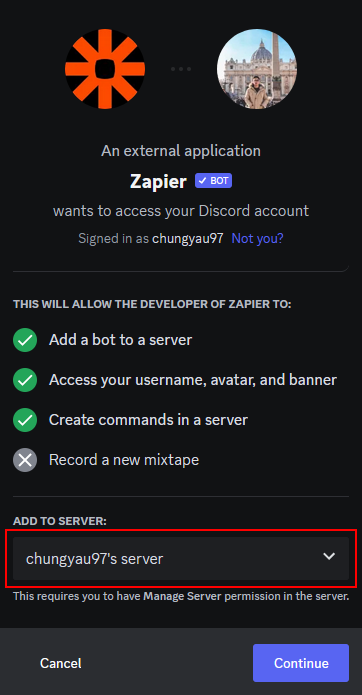
Add Zapier Bot to your prefered server
-
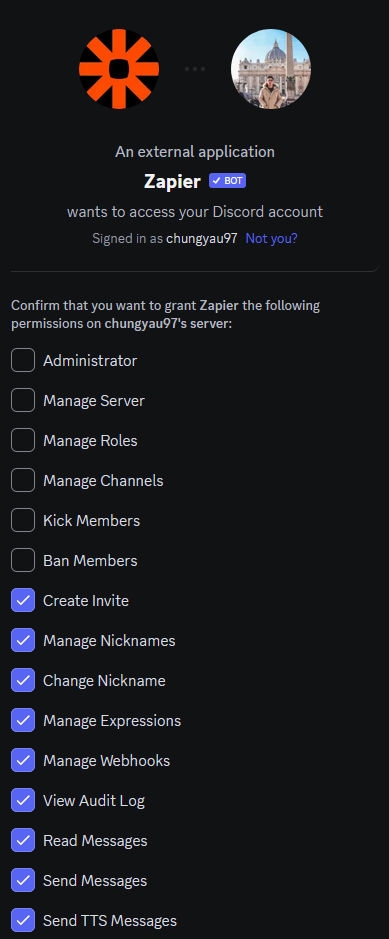
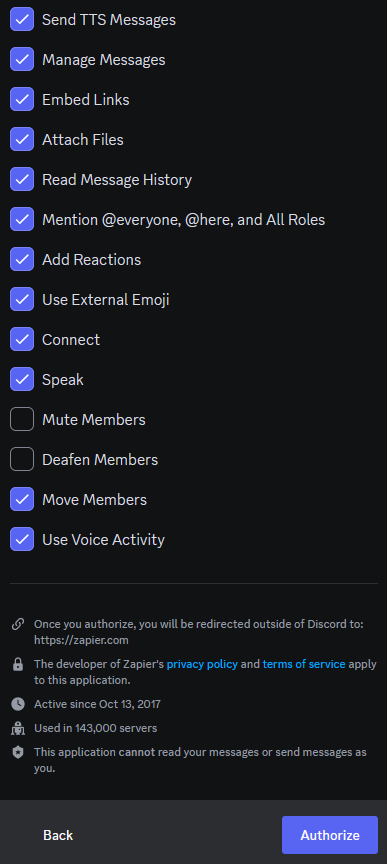
Give appropriate permissions and click Authorize then click Continue
-
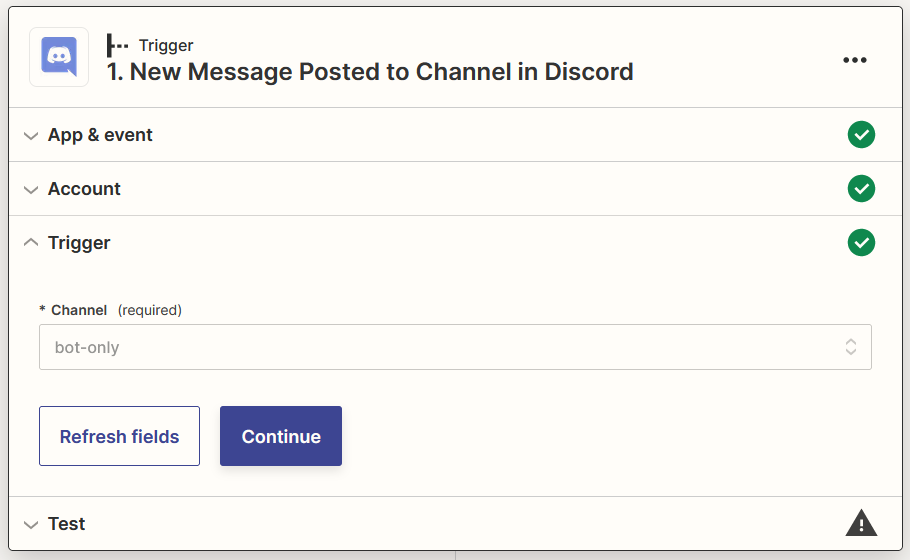
Select your prefered channel to interact with Zapier Bot then click Continue
-
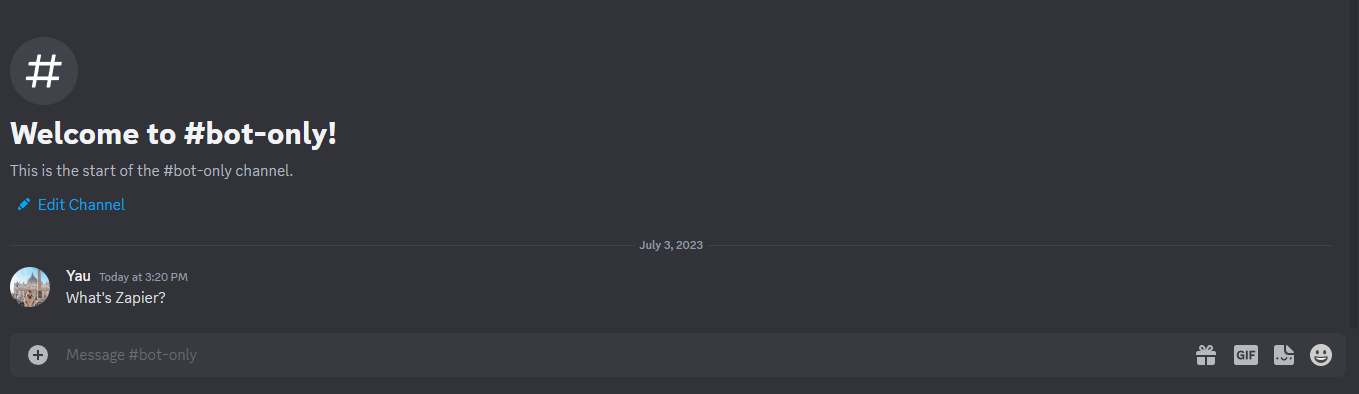
Send a message to your selected channel on step 8
-
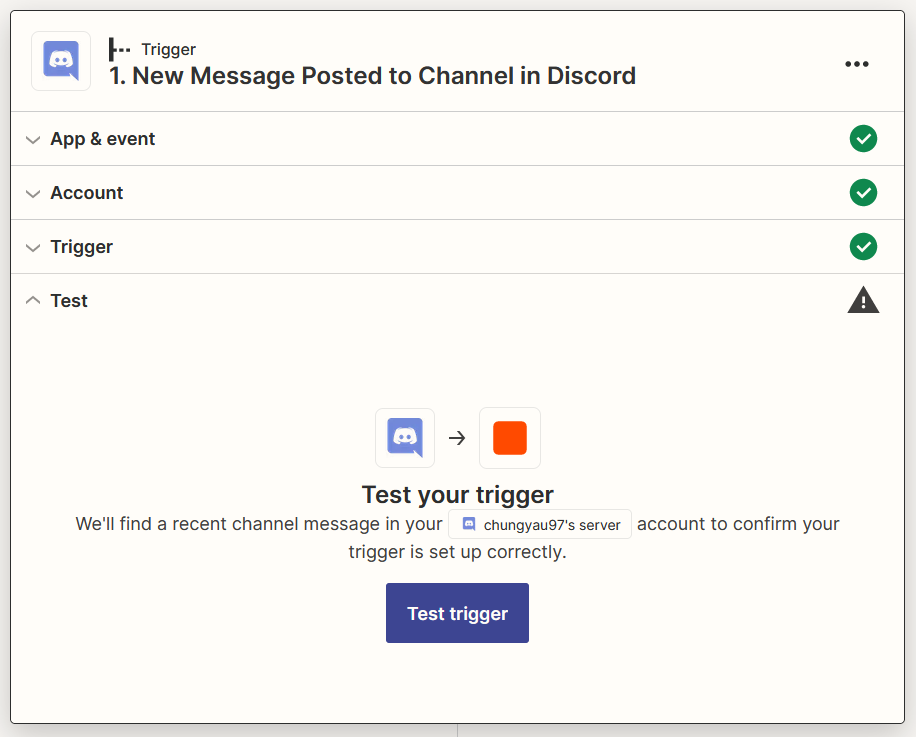
Click Test trigger
-
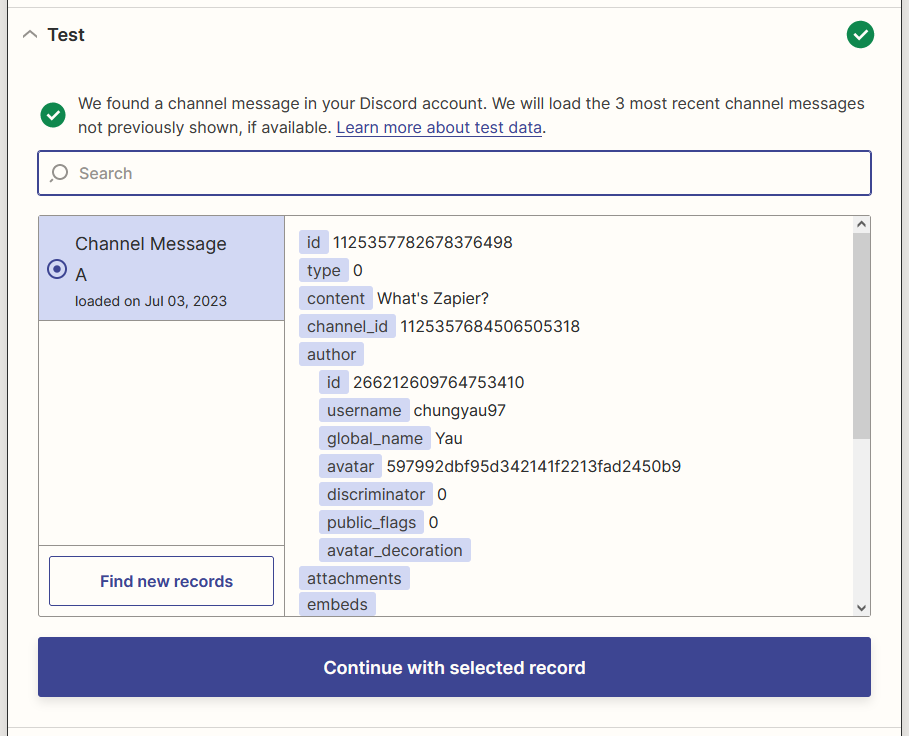
Select your message then click Continue with the selected record
Filter out Zapier Bot's Message
-
Click or search for Filter
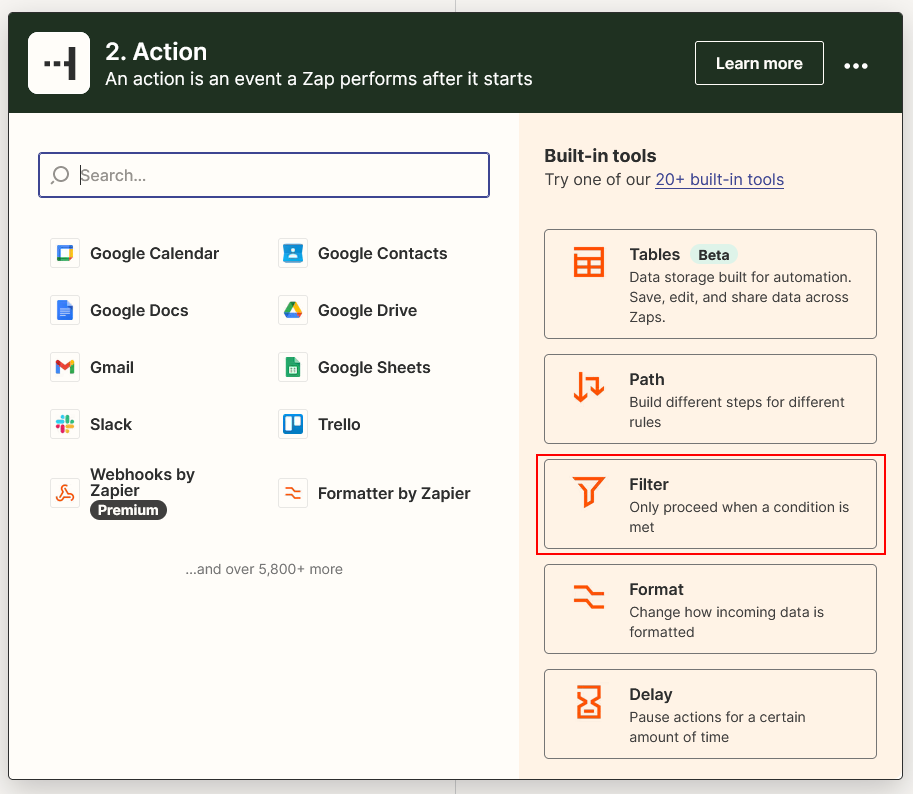
-
Configure Filter to not continue if received message from Zapier Bot then click Continue
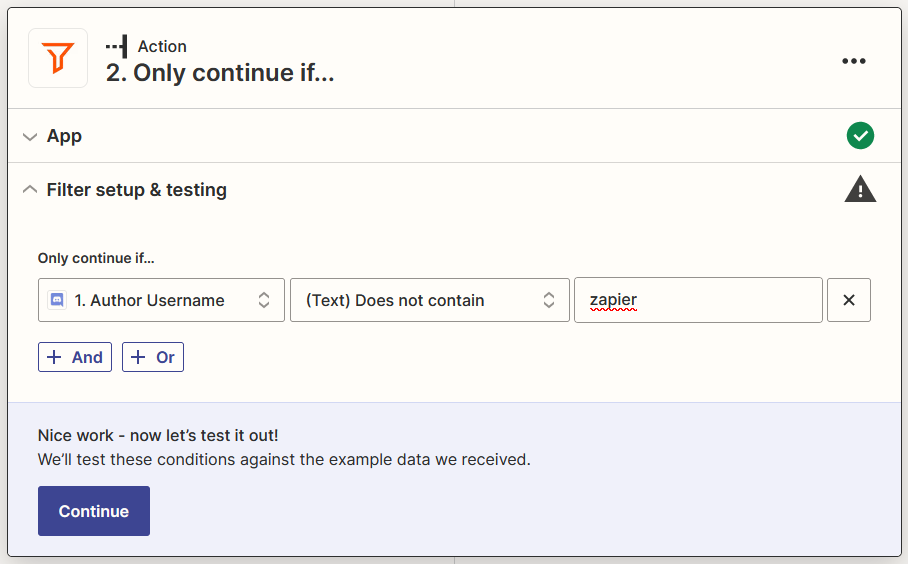
Ciniter generate Result Message
-
Click +, click or search for Ciniter
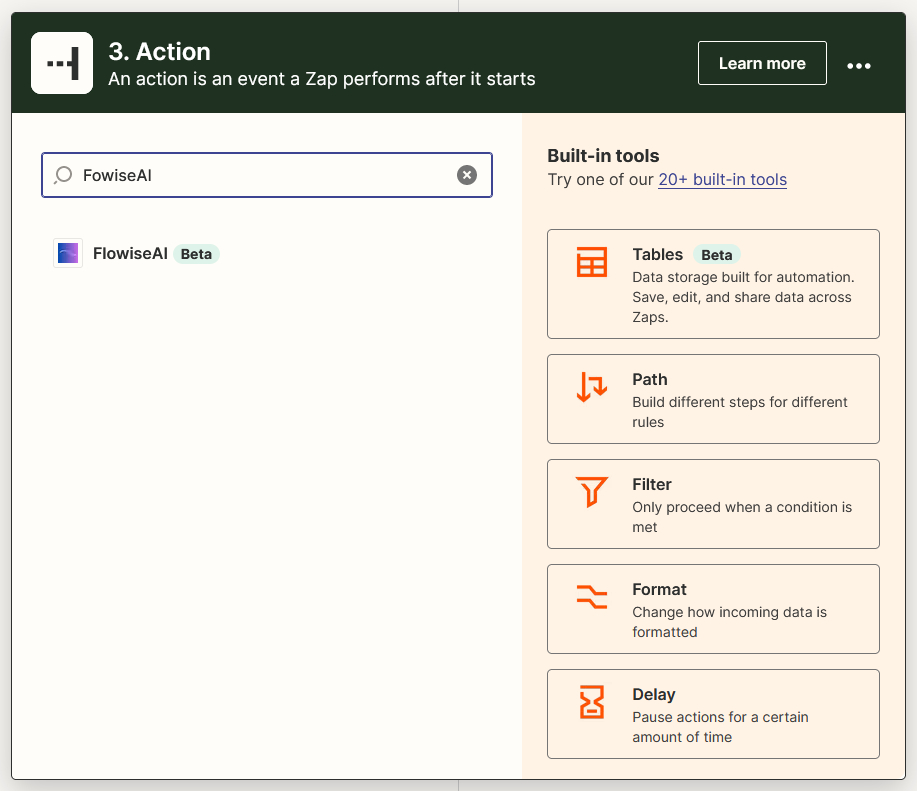
-
Select Make Prediction as Event, then click Continue
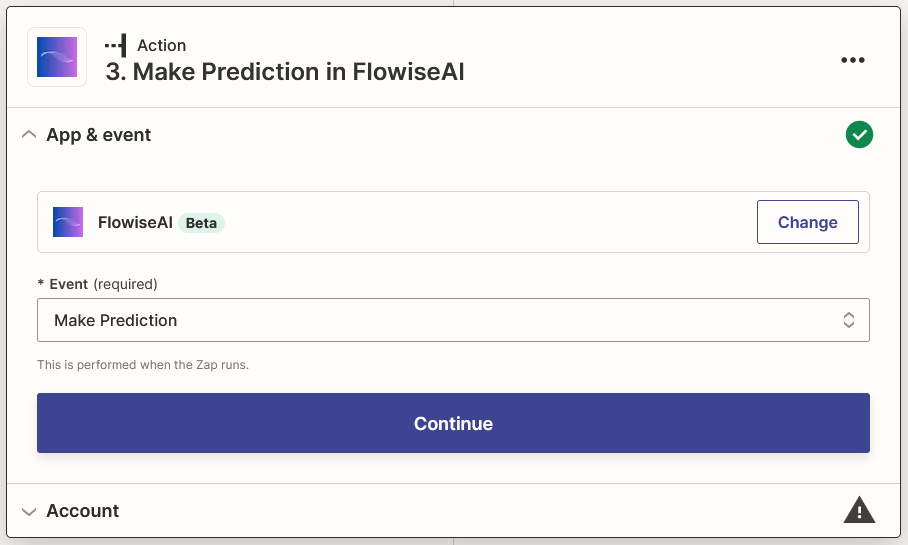
-
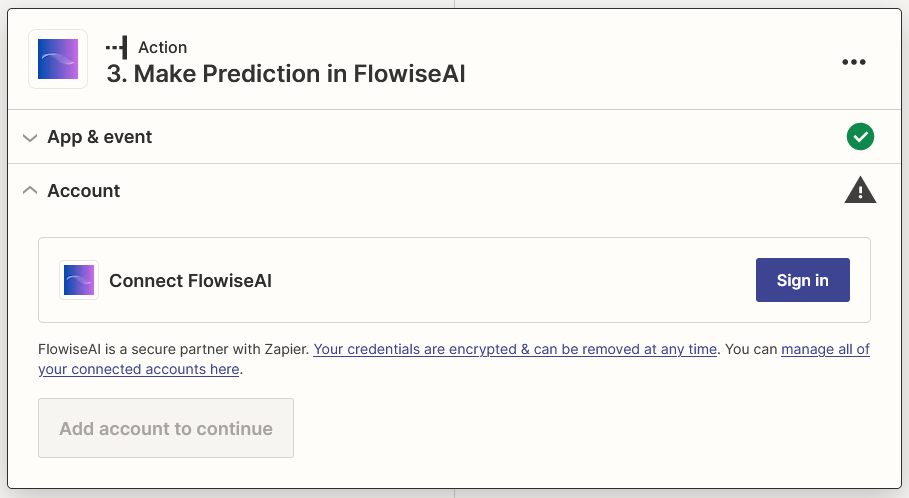
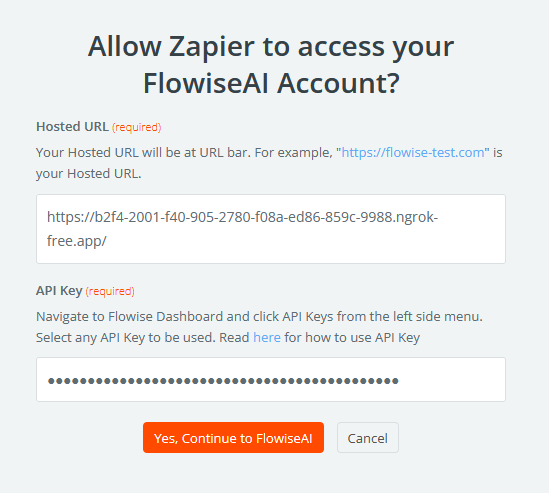
Click Sign in and insert your details, then click Yes, Continue to Ciniter
-
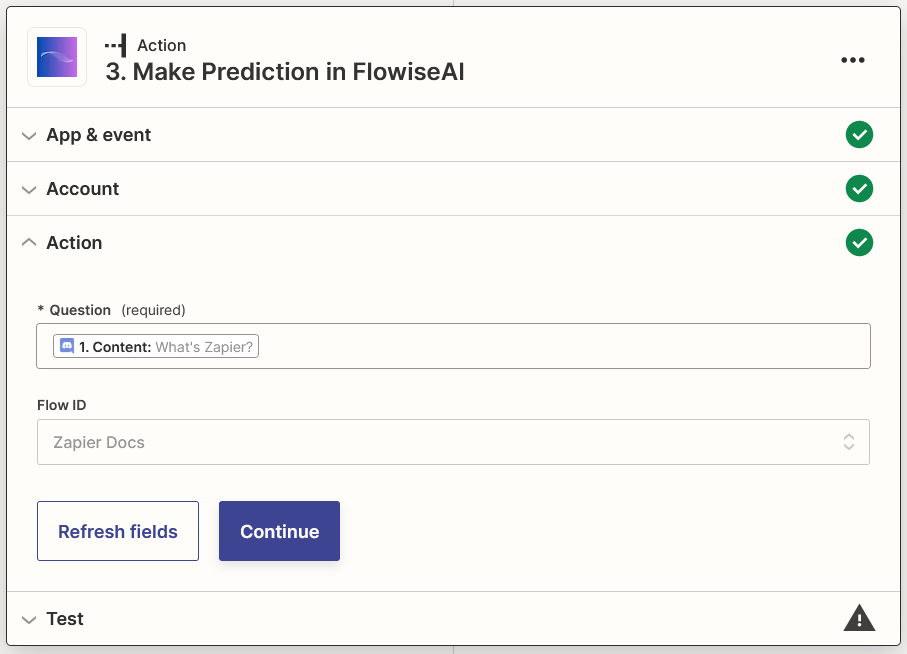
Select Content from Discord and your Flow ID, then click Continue
-
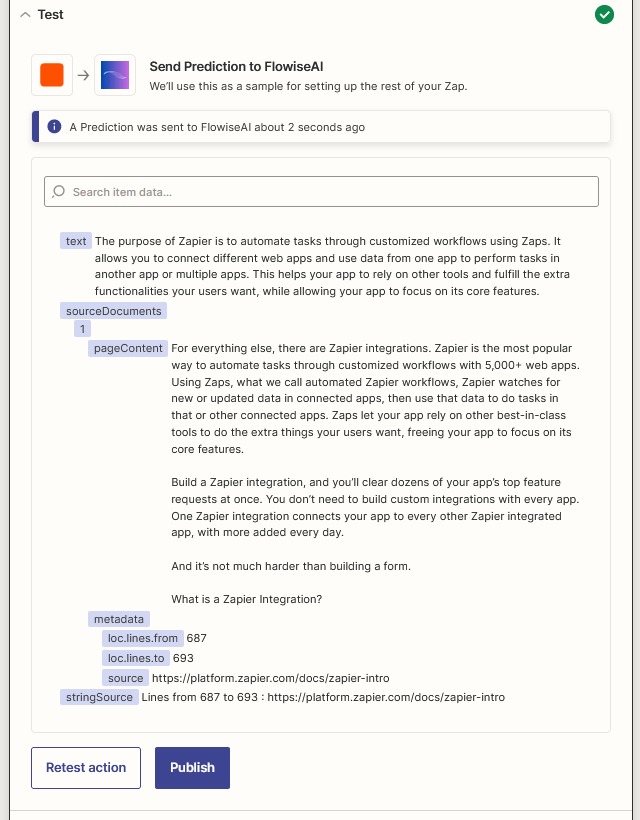
Click Test action and wait for your result
Send Result Message
-
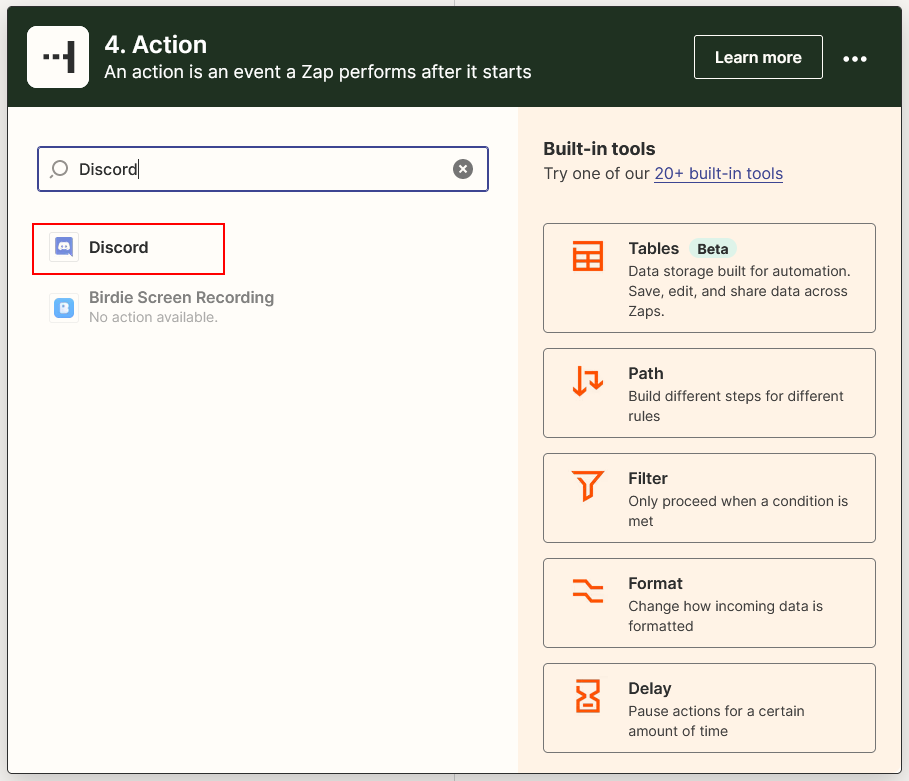
Click +, click or search for Discord
-
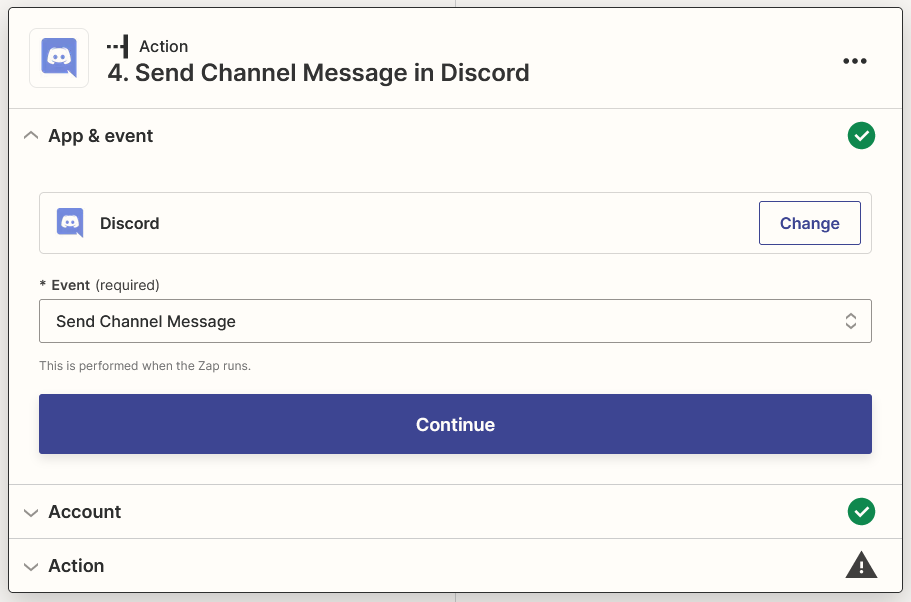
Select Send Channel Message as Event, then click Continue
-
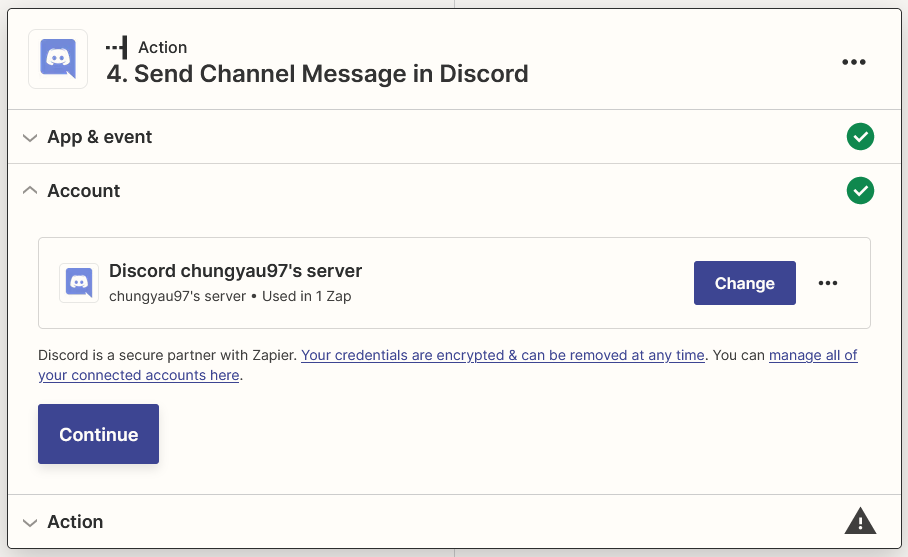
Select the Discord's account that you signed in, then click Continue
-
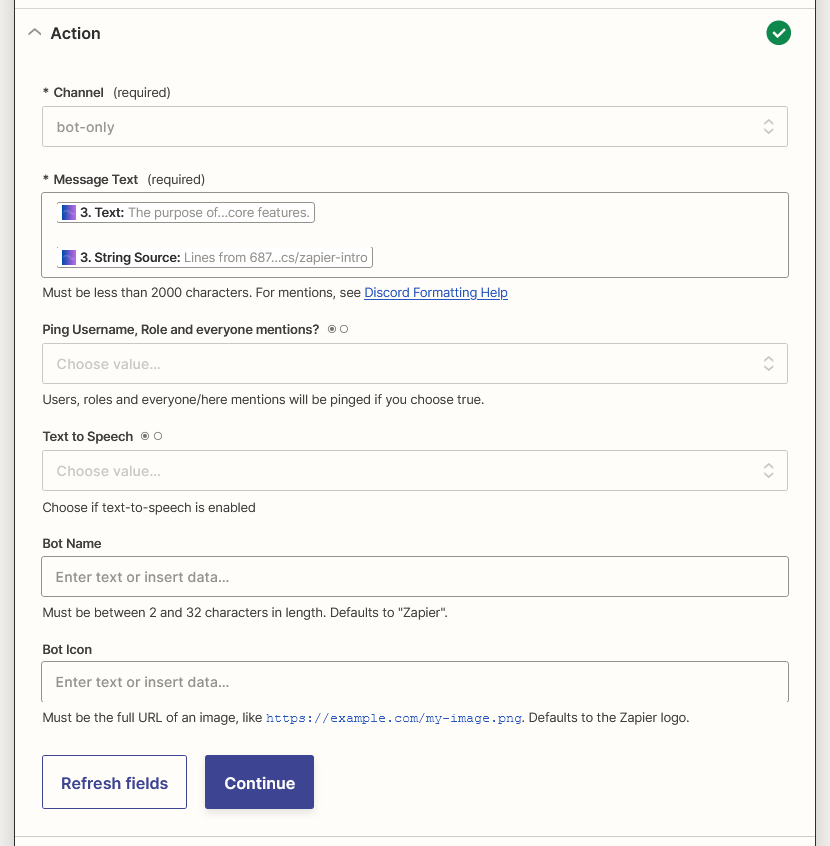
Select your prefered Channel for channel and select Text and String Source (if available) from Ciniter for Message Text, then click Continue
-
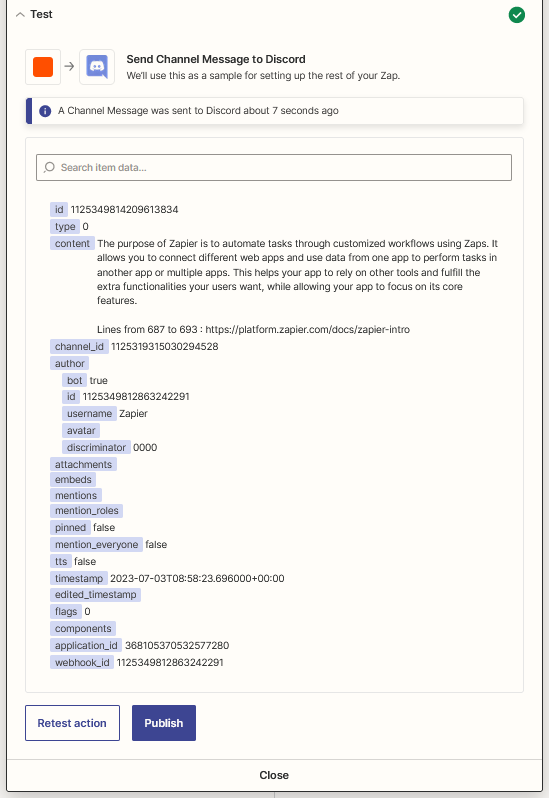
Click Test action
-
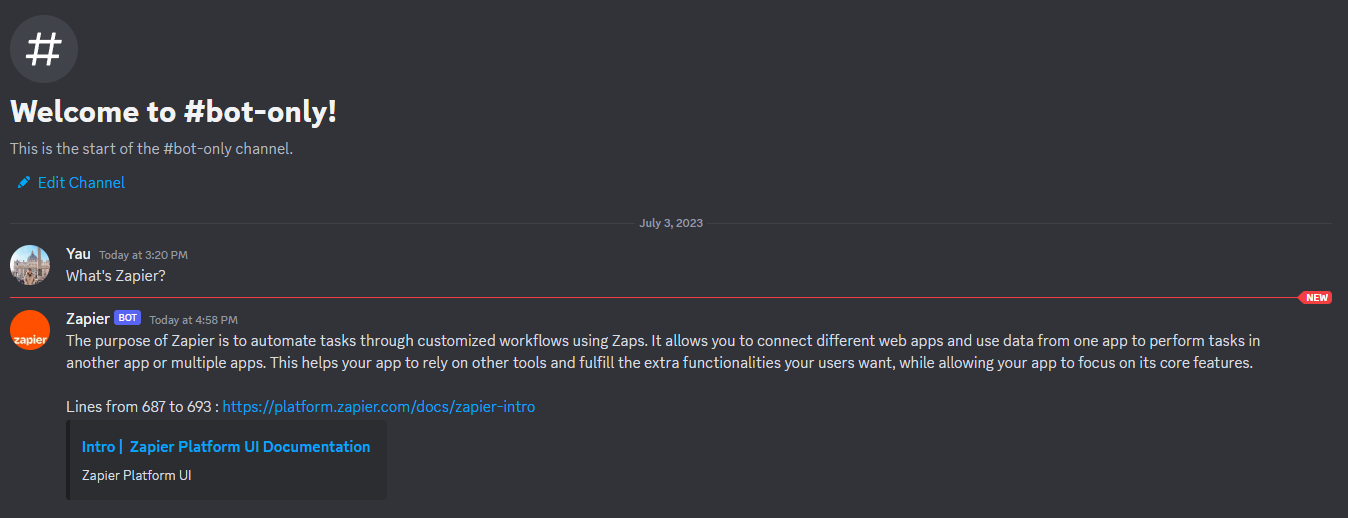
Voila 🎉 you should see the message arrived in your Discord Channel
-
Lastly, rename your Zap and publish it