Analytic
CiniterFlow provides step by step tracing for Agentflow V2:
-027881f42459764c24a5b995c68e974e.png)
Besides, there are also several analytic providers CiniterFlow integrates with:
Setup
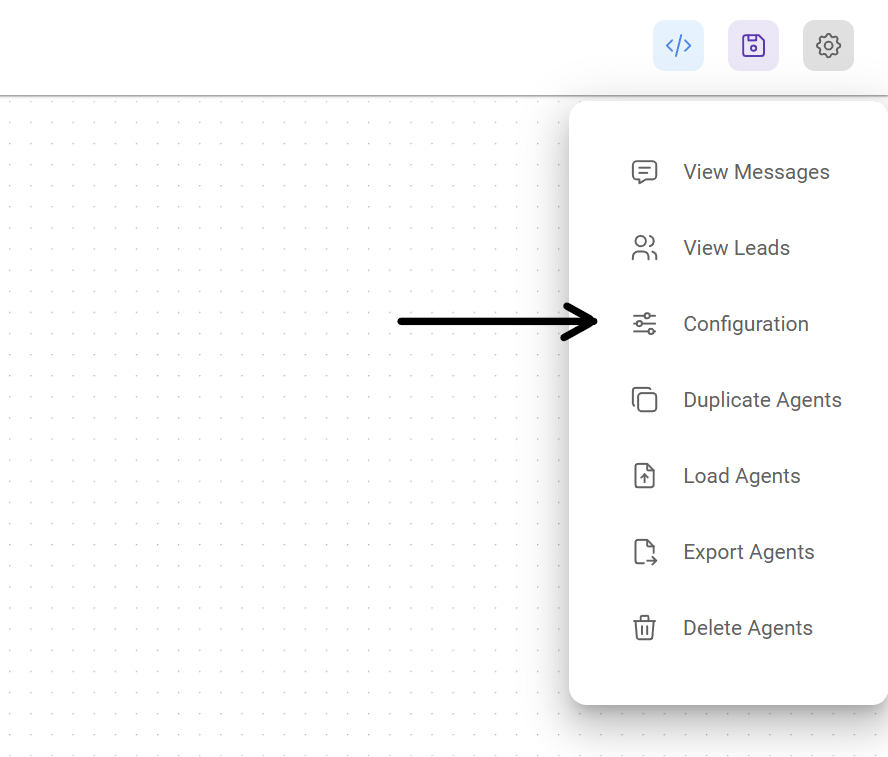
- At the top right corner of your Chatflow or Agentflow, click Settings > Configuration
- Then go to the Analyse Chatflow section
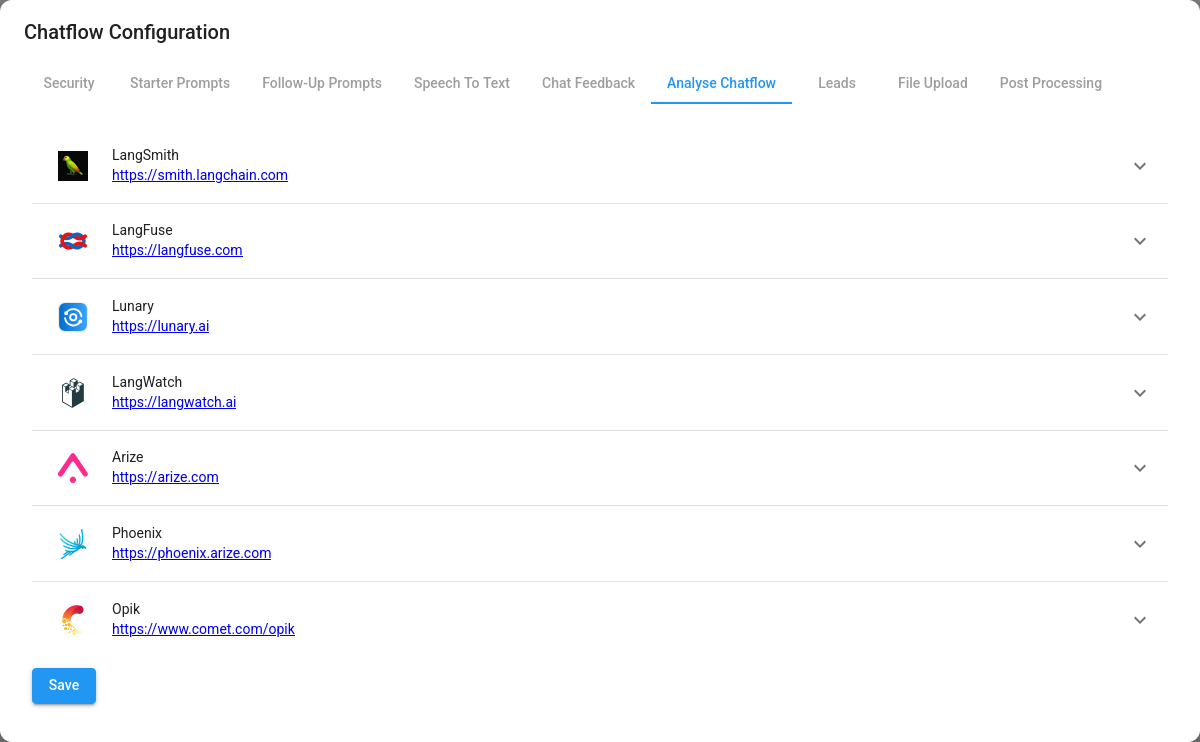
- You will see a list of providers, along with their configuration fields
-cb4264443686acbcda1fd0c9be349afa.png)
- Fill in the credentials and other configuration details, then turn the provider ON. Click Save.
-790212f7b9d06e8d273aa71c566724d9.png)
API
Once the analytic has been turned ON from the UI, you can override or provide additional configuration in the body of the Prediction API:
{
  "question": "hi there",
  "overrideConfig": {
    "analytics": {
      "langFuse": {
        // langSmith, langFuse, lunary, langWatch, opik
        "userId": "user1"
      }
    }
  }
}